
In this article, we will explore the emails available in Lily. A list of all emails that are received by shop customers for certain actions can be found in the admin - Emails section
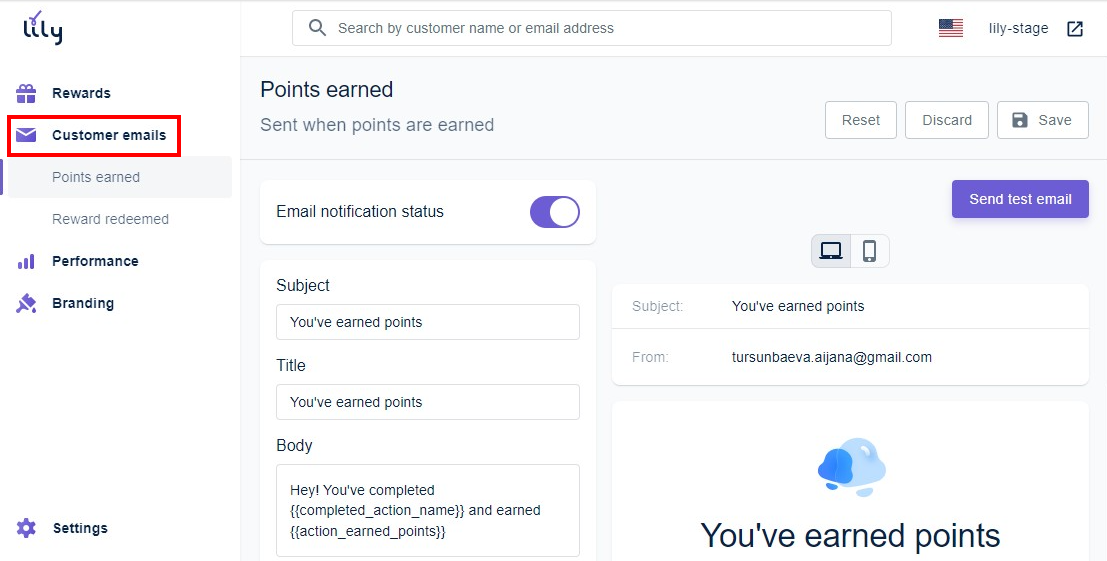
Emails are divided into two categories: Points, Referral Program:
- Earning points - Sent to users who have performed one of the actions and earned points.
- Redeem a reward - Sent to the users who exchanged their points for the available discount.
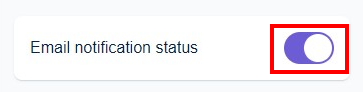
To enable or disable an email, go to Customer emails -> select an email and click on the toggle next to the title:
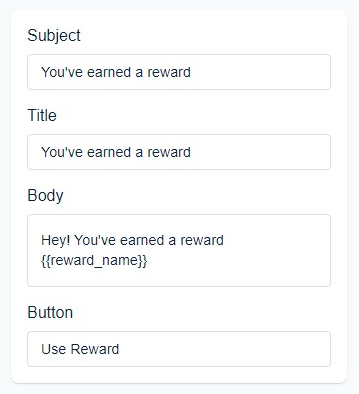
You can adjust the Subject, Title, Body, and Button text here:
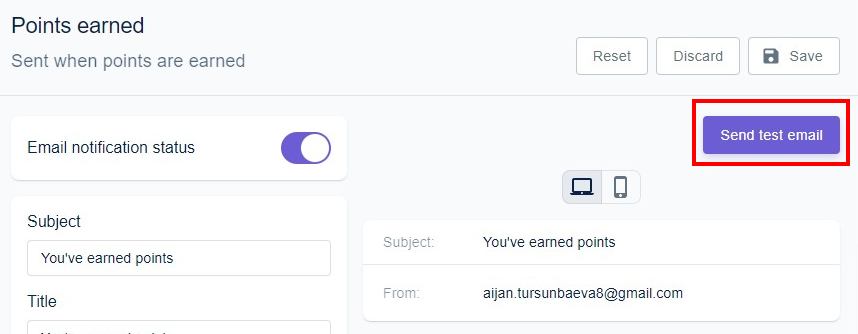
You can also send a test email to see how it looks:
That’s it! Hope it was helpful.